
Our lives are more connected than ever. We shop online, manage bank accounts through mobile apps, work remotely, communicate on social media, and store valuable information on our devices. While technology makes life easier, it also creates opportunities for cybercriminals to target unsuspecting users.
Every click, download, login, and online transaction comes with potential risks. Fortunately, protecting yourself online doesn’t require advanced technical skills. By developing good digital safety habits, you can significantly reduce your chances of becoming a victim of scams, identity theft, malware, or account hacking.
In this guide, we’ll explore practical digital safety habits that everyone should practise to stay safer online.

What Are Digital Safety Habits?
Digital safety habits are the everyday actions and behaviours that help protect your personal information, online accounts, devices, and digital identity from cyber threats.
These habits are not complicated. In fact, they often involve making smarter choices whenever you use the internet.
Good digital safety habits can help protect you from:
- Identity theft
- Online scams
- Phishing attacks
- Malware infections
- Financial fraud
- Account hijacking
- Data breaches
The goal isn’t to eliminate every possible risk but to make yourself a much harder target for cybercriminals.
Why Digital Safety Matters
Cyber threats continue to evolve every year. Criminals now use artificial intelligence, fake websites, phishing emails, malicious mobile apps, and social engineering techniques to deceive people.
Many successful cyber attacks don’t happen because hackers are highly skilled—they happen because users unknowingly make small mistakes.
Practising good digital safety habits helps you:
- Protect sensitive information
- Reduce financial risks
- Secure your online accounts
- Prevent identity theft
- Maintain your privacy
- Browse the internet with greater confidence
18 Digital Safety Habits Everyone Should Practise
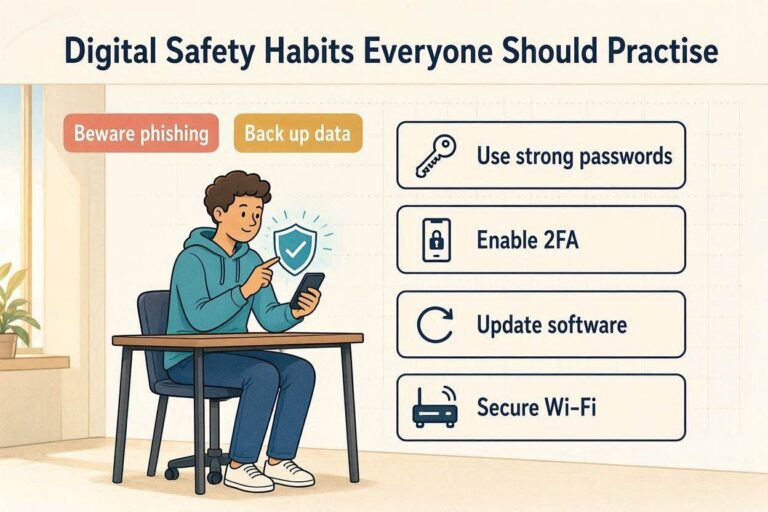
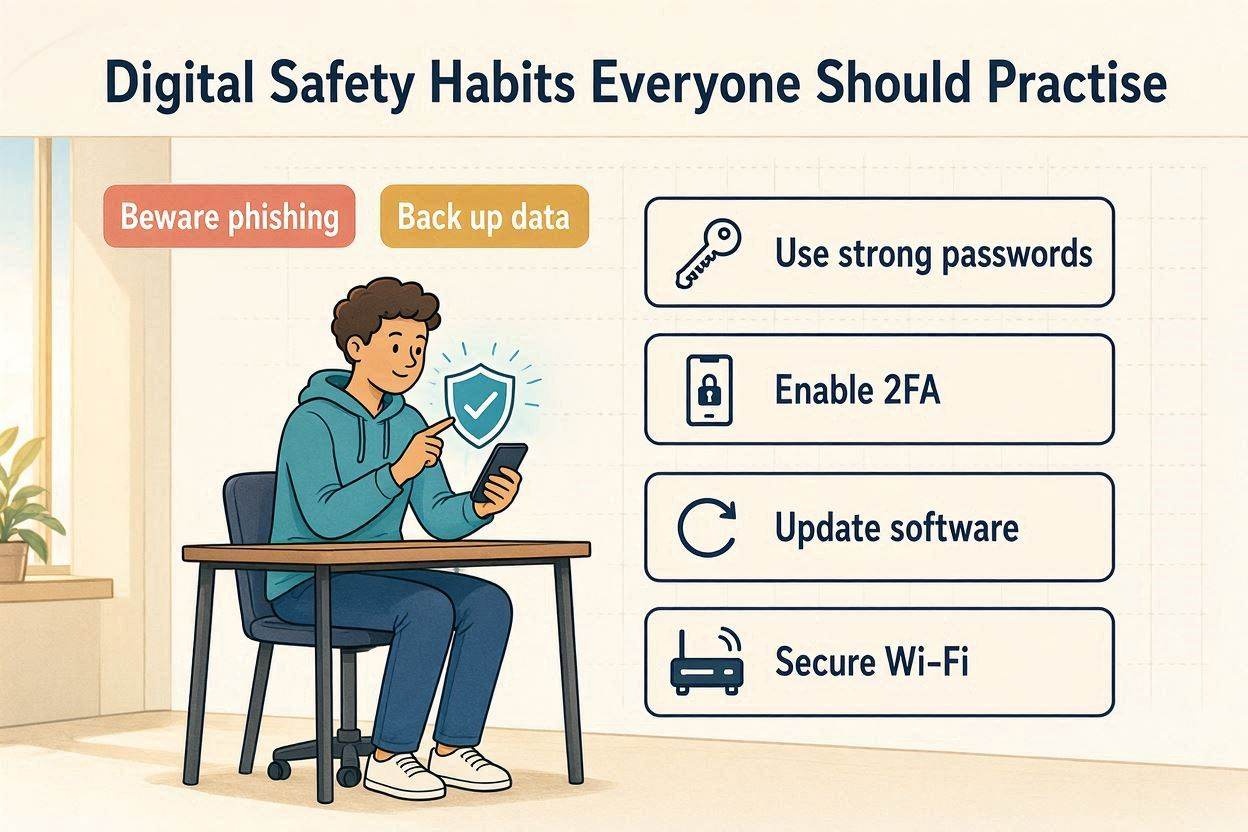
1. Use Strong and Unique Passwords
One of the biggest mistakes people make is reusing the same password across multiple accounts.
If one account becomes compromised, attackers may try the same password on your email, banking, shopping, or social media accounts.
Create passwords that are:
- Long
- Unique
- Difficult to guess
- Different for every account
Using a trusted password manager can make this much easier.
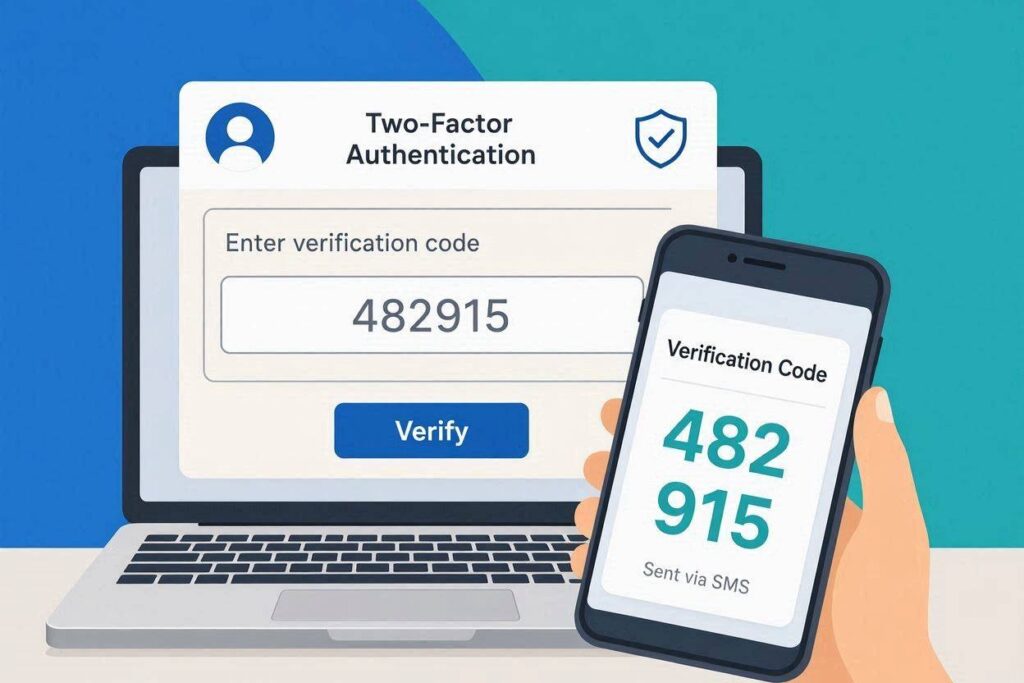
2. Enable Two-Factor Authentication (2FA)
Whenever possible, activate two-factor authentication.
This adds an extra layer of protection by requiring a second verification step after entering your password.
Even if someone steals your password, they are unlikely to access your account without the second verification method.
3. Keep Your Devices Updated
Software updates don’t just introduce new features—they also fix security vulnerabilities that attackers may exploit.
Keep the following updated:
- Operating systems
- Web browsers
- Mobile apps
- Antivirus software
- Security tools
Enable automatic updates whenever available.
4. Think Before Clicking Any Link
Not every link is safe.
Cybercriminals often disguise malicious links in:
- Emails
- SMS messages
- Social media posts
- Online advertisements
- Messaging apps
Before clicking, carefully examine the sender and where the link leads.
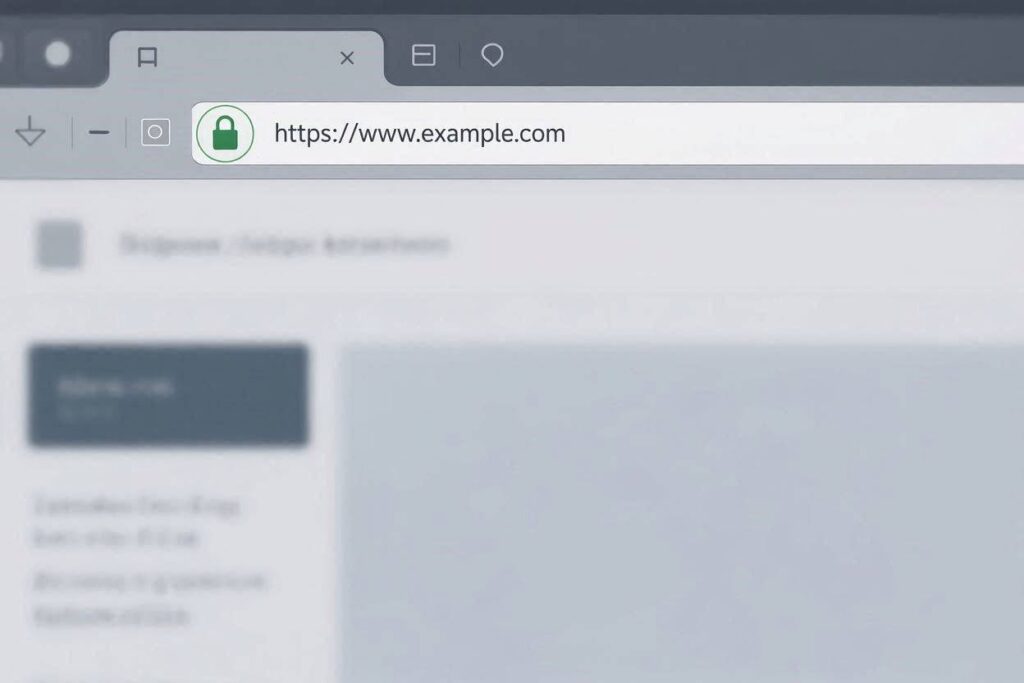
5. Verify Websites Before Sharing Information
Before entering personal information or payment details, make sure the website is legitimate.
Look for signs such as:
- HTTPS encryption
- A valid SSL certificate
- Correct domain spelling
- Professional design
- Genuine contact information
- Transparent policies
Taking a few moments to verify a website can save you from serious financial loss.
6. Avoid Using Public Wi-Fi for Sensitive Activities
Public Wi-Fi is convenient but often less secure than private networks.
Avoid accessing:
- Online banking
- Investment platforms
- Business accounts
- Government services
If you must use public Wi-Fi, consider using a reputable VPN to encrypt your connection.
7. Download Software Only from Trusted Sources
Downloading apps or software from unofficial websites increases the risk of installing malware.
Always download software from:
- Official websites
- Trusted app stores
- Verified developers
Avoid pirated or cracked software, as these often contain malicious code.
8. Learn to Recognise Phishing Attempts
Phishing attacks are designed to trick you into revealing sensitive information.
Warning signs include:
- Urgent requests
- Poor grammar
- Suspicious links
- Unexpected attachments
- Requests for passwords or banking details
When in doubt, verify the message before responding.
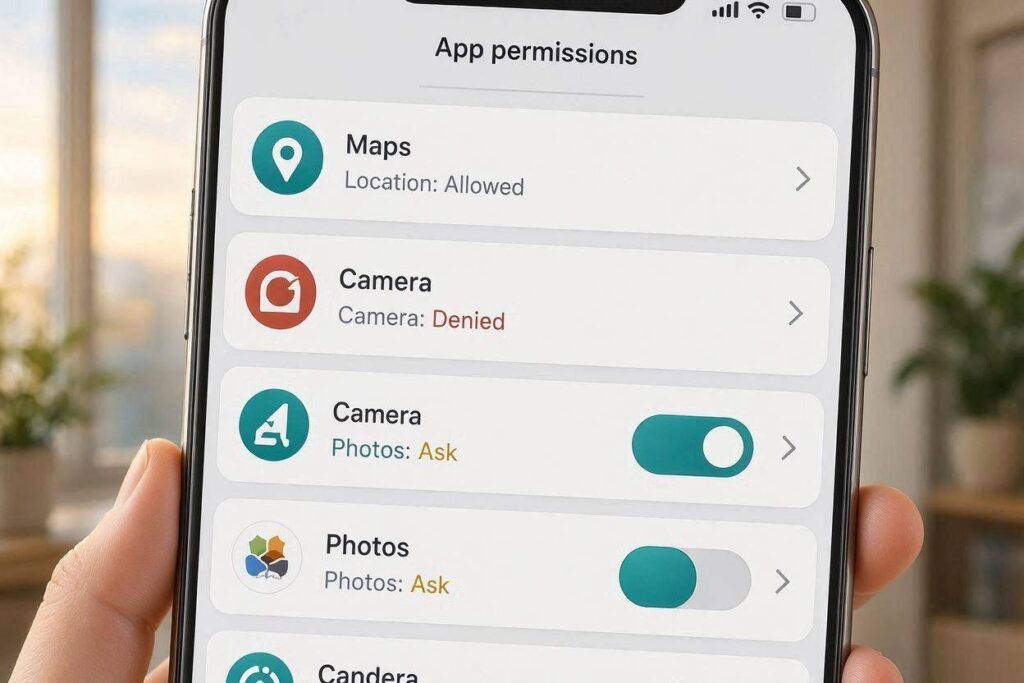
9. Review App Permissions Regularly
Many apps request permissions they don’t actually need.
Review access to:
- Camera
- Microphone
- Contacts
- Storage
- Location
Disable permissions that aren’t necessary.
10. Back Up Important Files
Hardware failures, ransomware attacks, and accidental deletions can happen at any time.
Regularly back up your important documents, photos, and files to:
- External drives
- Secure cloud storage
- Multiple backup locations
11. Lock Your Devices
Always protect your smartphone, tablet, and computer with:
- Strong PIN
- Password
- Fingerprint
- Face recognition
Enable automatic screen locking for additional protection.
12. Monitor Your Accounts Frequently
Review your online accounts regularly for suspicious activity.
Check:
- Bank statements
- Email accounts
- Social media profiles
- Shopping accounts
- Payment services
Early detection often prevents greater losses.
13. Be Careful What You Share Online
Personal information shared online can be used by scammers for identity theft or social engineering.
Avoid publicly sharing:
- Home address
- Phone number
- Financial information
- Travel plans
- Personal documents
Think before posting.
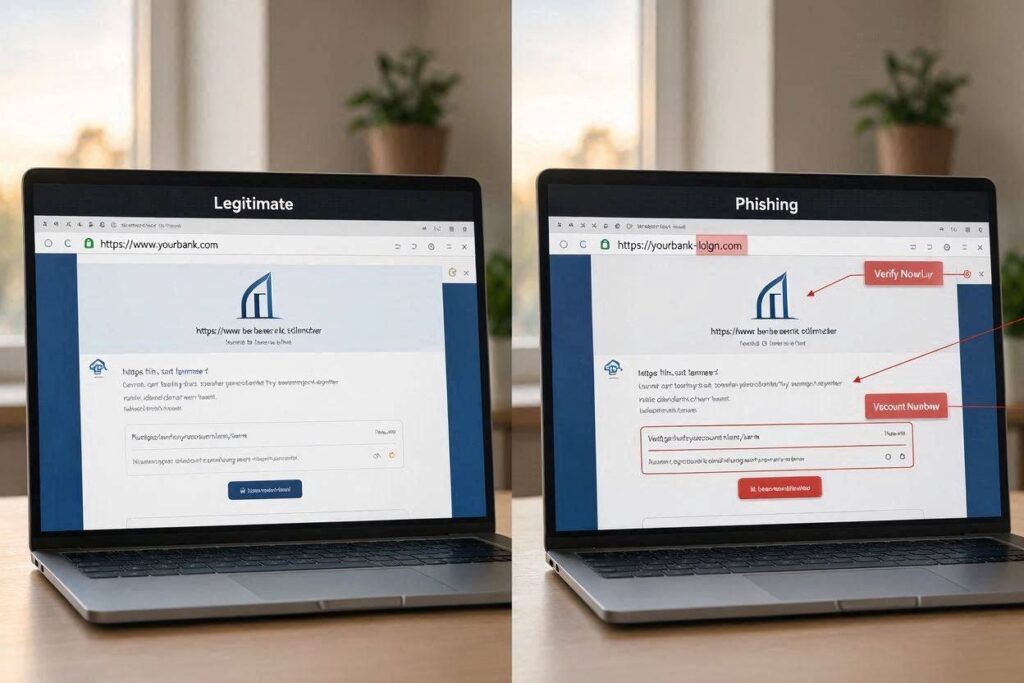
14. Learn to Spot Fake Websites
Many scam websites closely resemble legitimate businesses.
Watch for:
- Poor design
- Misspelled domain names
- Unrealistic discounts
- Missing company information
- Broken links
- Fake reviews
If something feels suspicious, investigate further before proceeding.
15. Use Secure Payment Methods
Whenever possible, choose payment methods that provide buyer protection.
Be cautious when asked to:
- Send money directly to strangers
- Pay using gift cards
- Transfer cryptocurrency to unknown wallets
Secure payment options offer greater protection if something goes wrong.
16. Keep Antivirus Protection Active
Reliable antivirus software can detect many forms of malicious software before they cause damage.
Ensure that:
- Real-time protection is enabled
- Virus definitions remain updated
- Regular scans are performed
Antivirus software works best when combined with safe online habits.
17. Stay Informed About Emerging Threats
Cyber threats evolve rapidly.
Keeping up with cybersecurity news helps you recognise new scams, phishing campaigns, and security risks before they affect you.
Learning continuously is one of the best forms of digital protection.
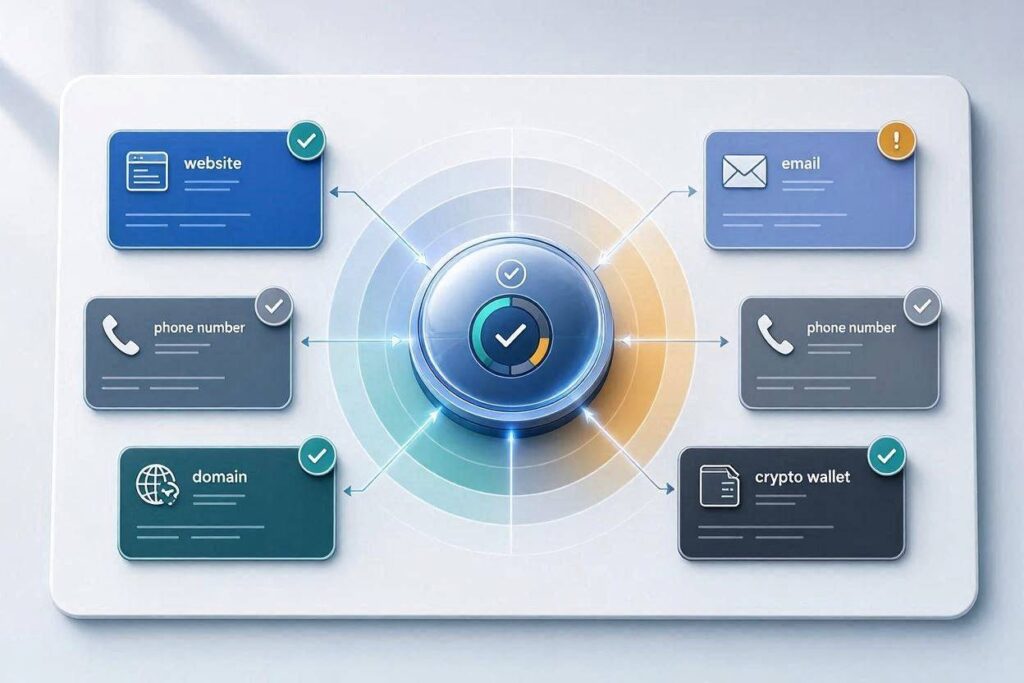
18. Verify Before You Trust
Perhaps the most important habit of all is taking a moment to verify before making decisions online.
Whether you’re visiting a new website, receiving an email, answering a phone call, or sending money, always verify the source before taking action.
A few extra minutes of verification can prevent costly mistakes and protect your personal information.
Common Mistakes That Put People at Risk
Even experienced internet users can make mistakes that expose them to unnecessary risks. Some of the most common include:
- Reusing passwords across multiple accounts
- Ignoring software updates
- Clicking unknown links
- Downloading files from untrusted sources
- Sharing excessive personal information online
- Using weak or predictable passwords
- Disabling important security features
- Trusting unfamiliar websites without verifying them first
Recognising these mistakes is the first step towards building safer online habits.
Building Better Digital Safety Habits
Improving your digital safety doesn’t happen overnight. Start by adopting one or two new habits, then gradually build on them.
Simple actions—such as updating your devices, using strong passwords, enabling two-factor authentication, and verifying websites before sharing personal information—can greatly improve your online security.
Remember, staying safe online is not about avoiding the internet. It’s about using it wisely and making informed decisions every day.
Frequently Asked Questions
What are digital safety habits?
Digital safety habits are everyday practices that help protect your personal information, online accounts, devices, and digital identity from cyber threats.
Why are digital safety habits important?
They reduce the risk of hacking, phishing, scams, malware, financial fraud, and identity theft while helping you browse the internet more safely.
Can beginners improve their digital safety?
Yes. Even simple actions such as using strong passwords, enabling two-factor authentication, and verifying websites before sharing personal information can significantly improve your online security.
How often should I update my devices?
You should install security updates as soon as they become available. Enabling automatic updates is the easiest way to stay protected.
Is antivirus software enough to keep me safe?
No. Antivirus software is only one layer of protection. Safe online behaviour, strong passwords, regular updates, and careful verification are equally important.
FactAdviser Verdict
Practising good digital safety habits is one of the most effective ways to protect yourself in today’s connected world. While no security measure can eliminate every risk, developing smart online habits can significantly reduce your exposure to cyber threats, scams, and identity theft.
Whether you’re browsing the web, shopping online, managing finances, or communicating with others, taking a few extra moments to verify information and follow basic security practices can make a meaningful difference.